
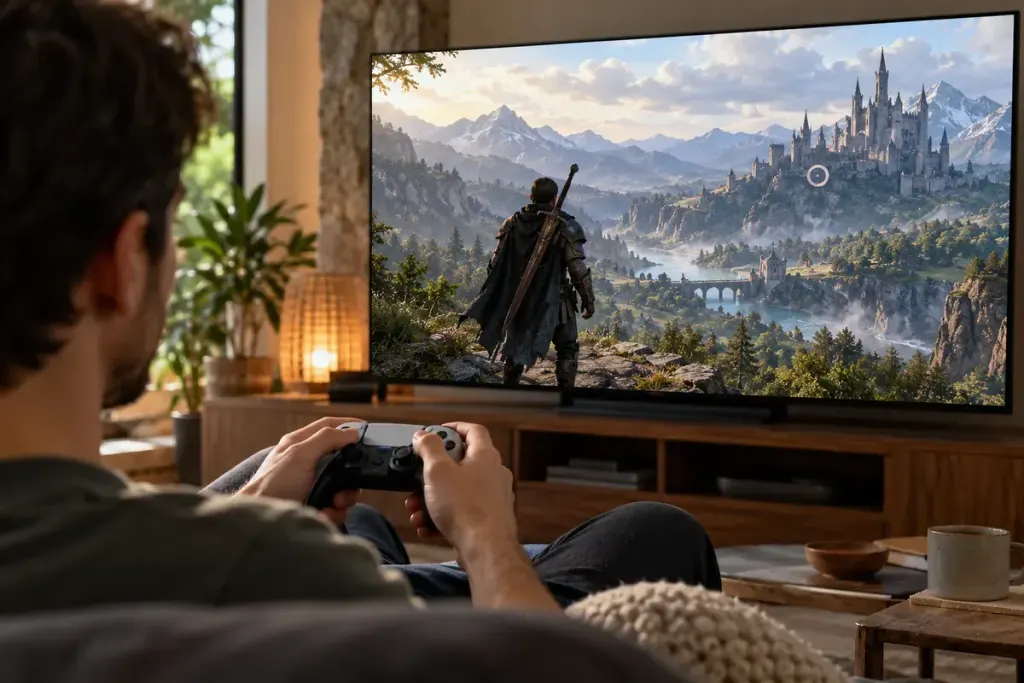
You lock onto a boss and your attacks become easier to aim, but the camera suddenly hides the floor behind you. Lock-on can solve one control problem while creating another. Its behaviour depends on the game, enemy and camera settings.
Learn the camera before adding pressure
Use a safe practice area, tutorial or low-risk encounter where the game provides one. Observe what changes when you lock on: the camera’s direction, movement relative to the target, target switching and the way attacks are aimed.
Do not assume the same button behaviour across games. Read the current controls and accessibility settings for the title and version you are playing. Some options change targeting persistence or camera assistance.
Give each attempt one observation
For a boss encounter, choose a narrow question such as, “Can I still see the ground effect while locked onto the upper target?” Watch that detail rather than changing several settings after every defeat.
A large enemy may offer several target points, or the camera may behave differently near a wall. Record the position and target involved. “Lock-on is bad” is less useful than “this target point hides the nearby floor when I stand close to this wall.”
- Practise releasing and reacquiring the target.
- Check whether manual camera movement remains available.
- Notice when a target switch changes your movement reference.
- Keep a comfortable control layout rather than copying one blindly.
An invented practice plan could alternate two short attempts: one using lock-on throughout, another releasing it only during a particular movement phase. Compare visibility and control, not just whether the attempt happened to win.
The aim is to understand the tool’s trade-offs in that encounter. Some players and situations benefit from frequent lock-on; others need more manual camera control. A deliberate choice based on what you can see is more dependable than treating either mode as a universal rule.