
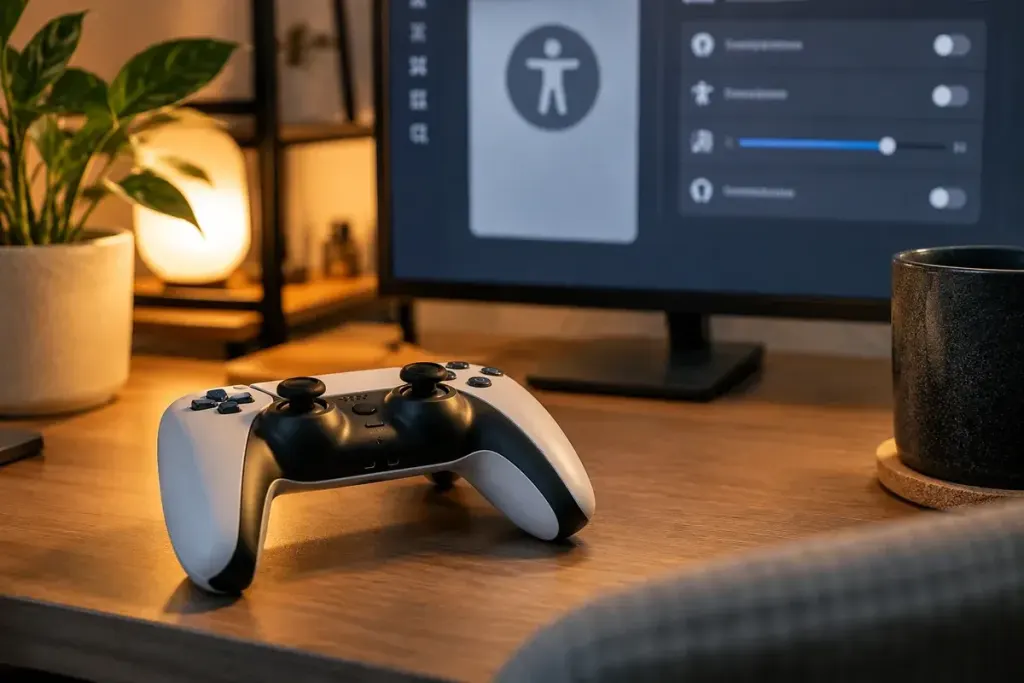
A control layout can feel fine in a menu and awkward the moment you need to move the camera while jumping. Before a long session, spend a few minutes testing the actions you will combine most often. The best layout is one you can understand and use comfortably, not necessarily the one a competitive player recommends.
Start by noting the current settings or taking a screenshot. That gives you a route back if an experiment feels worse. Check both the game’s controls and the platform’s controller options; a change at one level can affect how the other behaves.
Try a short sequence of ordinary actions
In a tutorial or safe practice area, move, look around, interact, pause and return to play. Then try combinations such as moving the camera while using a frequently needed action. Notice which button makes you release another control at an inconvenient moment.
Remap one action first. Repeat the sequence before changing a second. If you change several buttons and both stick settings together, you will have trouble identifying which adjustment helped.
Check what the prompts mean
Some games update their on-screen button prompts after remapping; system-level changes may leave prompts showing the original button. Test confirmation, cancellation and menu navigation as well as combat. A layout that works during play can still be confusing in an inventory screen.
Xbox’s official controller keyboard-mapping announcement describes support for particular controllers, including Elite Series 2 and Adaptive Controller. Do not assume that every mapping option applies to every controller or game. Check the current instructions for your hardware.
Adjust movement with a clear symptom in mind
If the camera repeatedly passes the point you intended to aim at, try a modest sensitivity adjustment and repeat the same movement. If a stick appears to move without input, inspect the game’s dead-zone options and the controller’s condition rather than immediately applying a large dead zone everywhere.
Look for relevant accessibility settings: toggle rather than hold, repeated-press alternatives, vibration strength and text size may matter as much as the button layout. Availability differs by game.
Keep a simple record of the layout you prefer and the game it belongs to. Use profiles if your device supports them, with names you can recognise later. After a short trial, return to normal play and reassess. A setup is successful when it reduces the effort of controlling the game and leaves more attention for the game itself.