
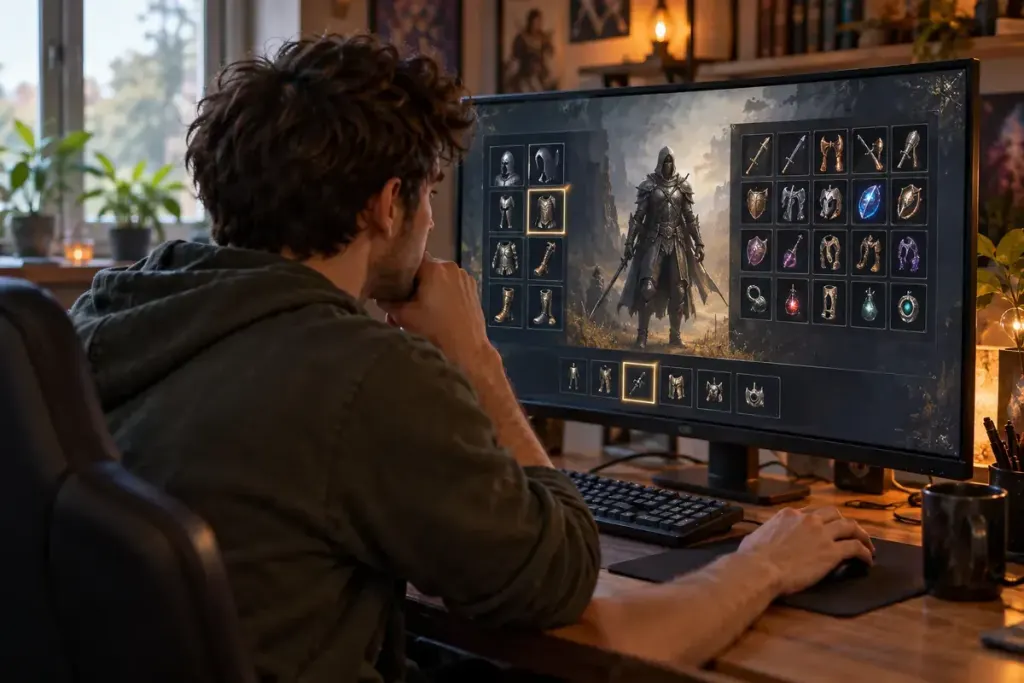
You saved a boss-fight loadout, switched to gathering gear and returned to the fight. The armour changed back, but the consumable bar did not. “Loadout saved” can mean different things in different games.
Name the job, not just the power level
Use a name that reminds you of the activity: a particular encounter, exploration route or cooperative role. Avoid relying on “best” as a permanent label. Equipment that suits one task may be awkward for another, and game updates can change the comparison.
Read the game’s own explanation of what a preset stores. It may include equipment, skills, cosmetic choices or only some of those. Check whether applying it consumes currency, moves shared items or requires you to be in a particular location.
Run a harmless switch test
- Save the intended setup in a safe area.
- Note the important equipment, skills and quick-use slots.
- Change to another setup without spending scarce resources.
- Restore the preset and compare each important slot.
If the game supports a practice area, use it to confirm the controls and available abilities. A menu icon does not always tell you whether the expected resource, ammunition or prerequisite is present.
Keep exceptions beside the loadout name. For example, an invented note might say “restore healing item manually” or “shared accessory must be in inventory.” Those notes are more useful than repeatedly rediscovering the same missing item at the encounter entrance.
Review after a meaningful change
Check the preset when you replace equipment, alter skills or install an update affecting the build. Do not assume that a saved arrangement automatically incorporates every upgrade. Equally, avoid rebuilding all presets after a change that does not affect them.
For cooperative play, tell teammates which role the loadout supports rather than promising performance based only on a displayed number. A good preset reduces preparation mistakes. It still needs a player who understands what was saved and what must be checked separately.